
User support when sending a message
User support when sending a message
If you are worried about sending a message with no text or subject by mistake, don't worry! Clicking on Send message will detect these oversights.
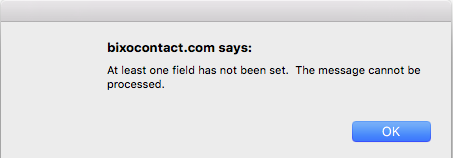
If any fields have been left blank by mistake in the interface, the following message will appear: "At least one field has not been set. The message cannot be processed." Empty fields will be highlighted in orange so that they can be easily identified.
The system will also notify you if you forget to select a recipient or group
